Transfer an Expense
Last updated About 1 year ago
To transfer an expense to another workspace
Mobile App
Mobile App
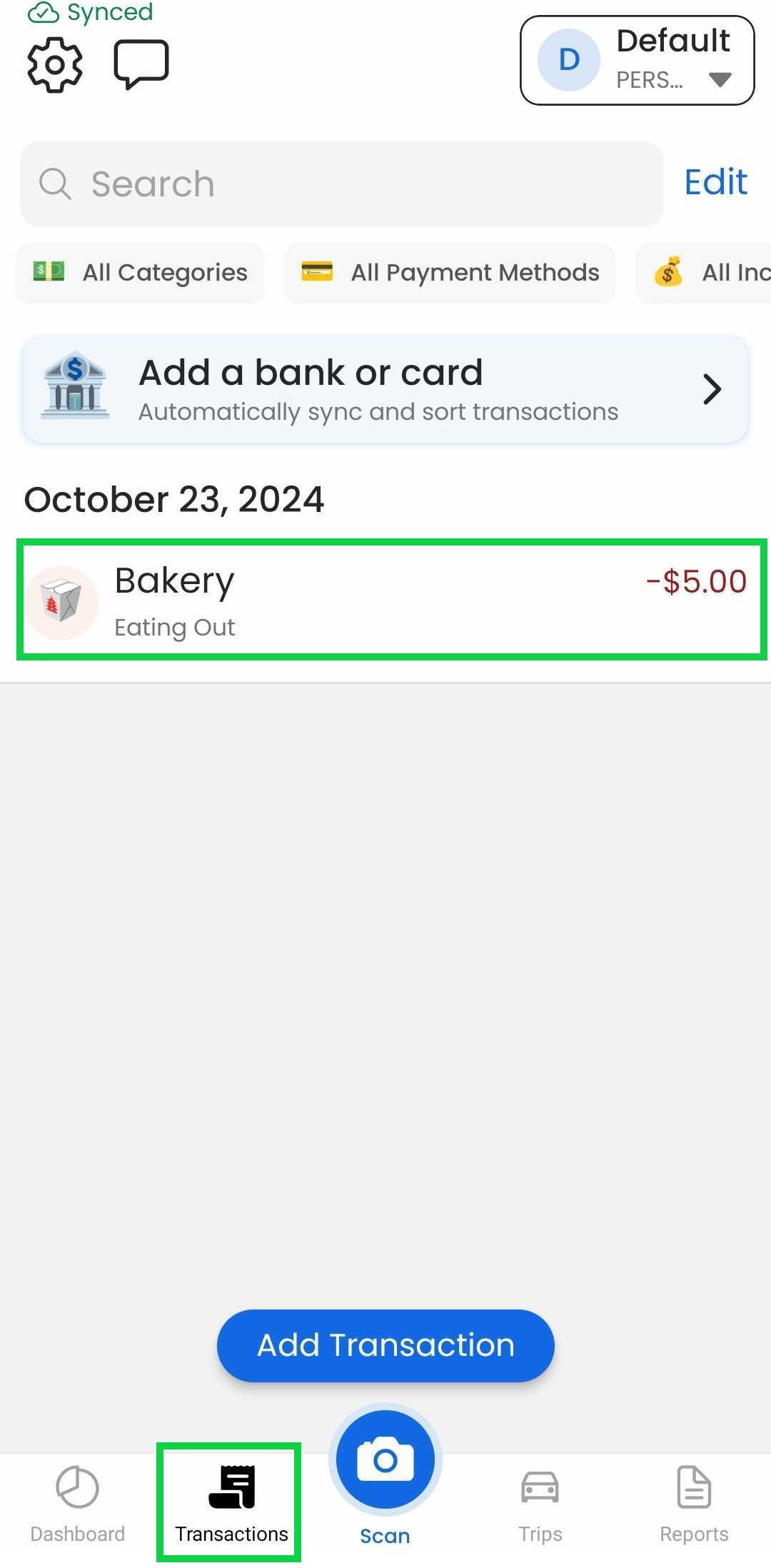
Tap the "Transactions" tab
Tap the expense
Tap the workspace selector
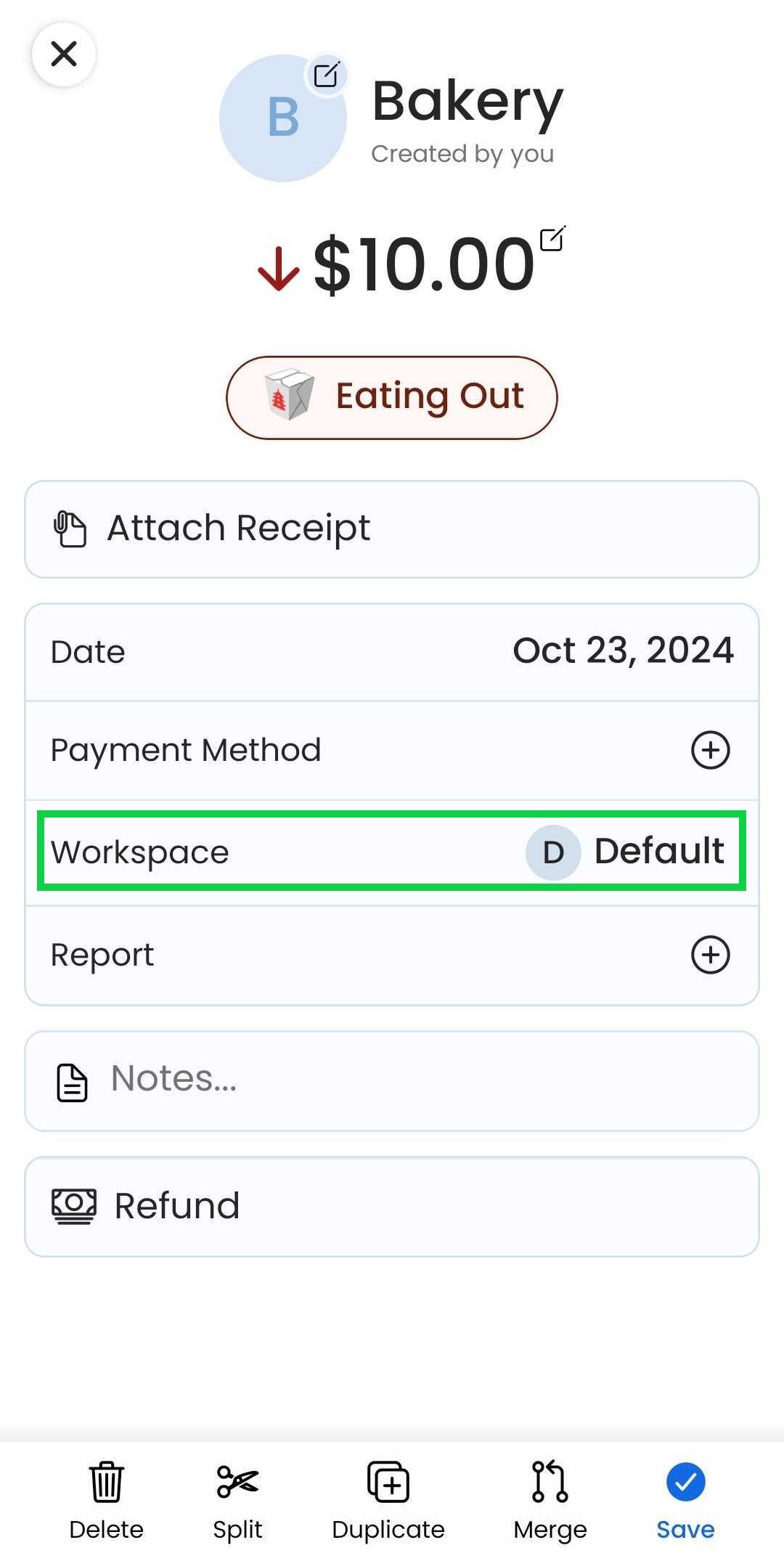
Select the workspace you want the expense transferred to
Tap “Save”
If you would like to transfer all of your expenses from one workspace to another, please contact support.
Web App
Web App
At the moment, this feature is only available through our Mobile App
Was this helpful?
Still need help? Share an idea