Duplicate an expense
When duplicating expenses, they will not be marked as duplicates.
Last updated About 1 year ago
Mobile App
Mobile App
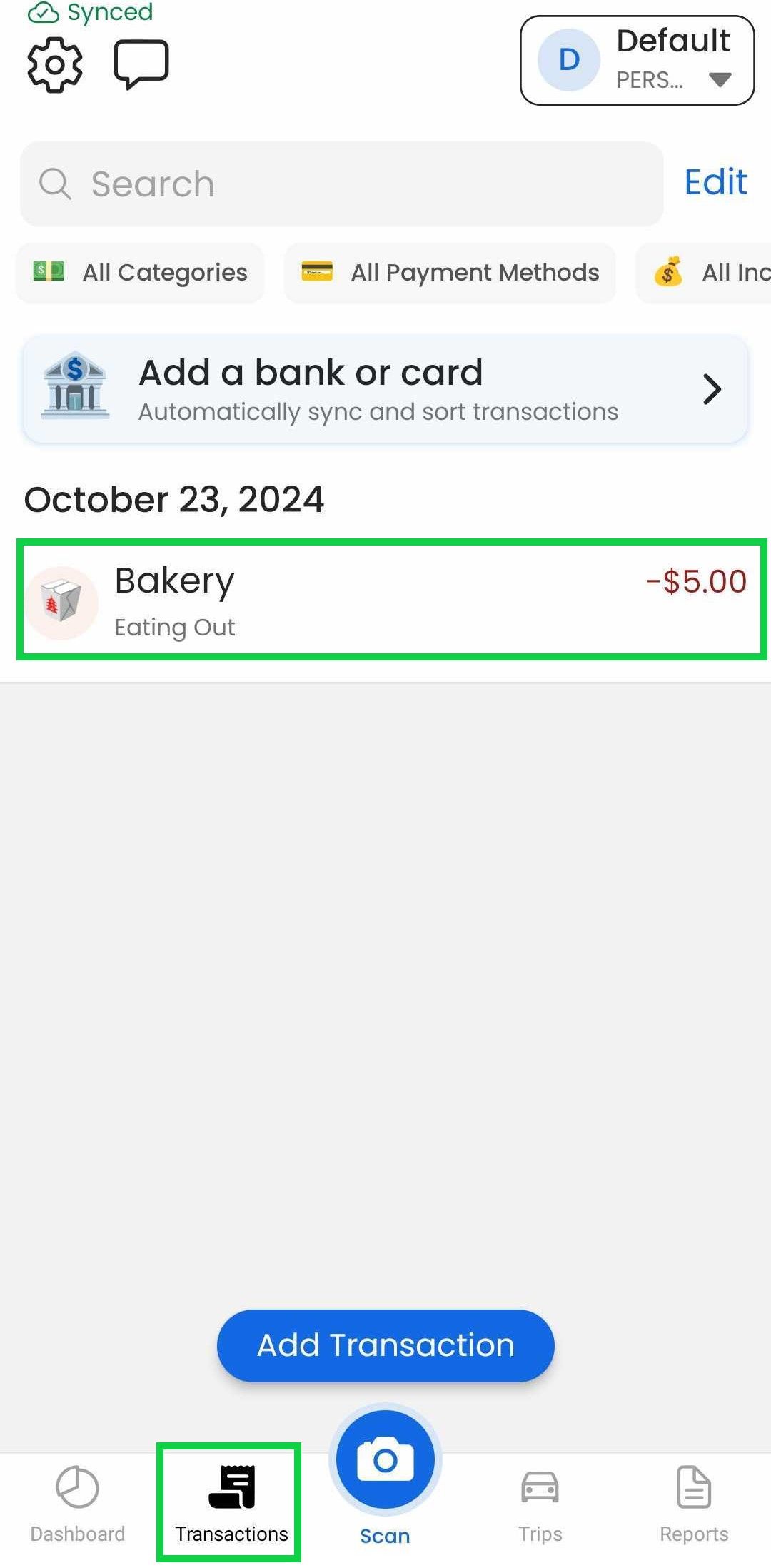
Tap the "Transactions" tab
Tap the expense you want to duplicate
Tap “Duplicate”
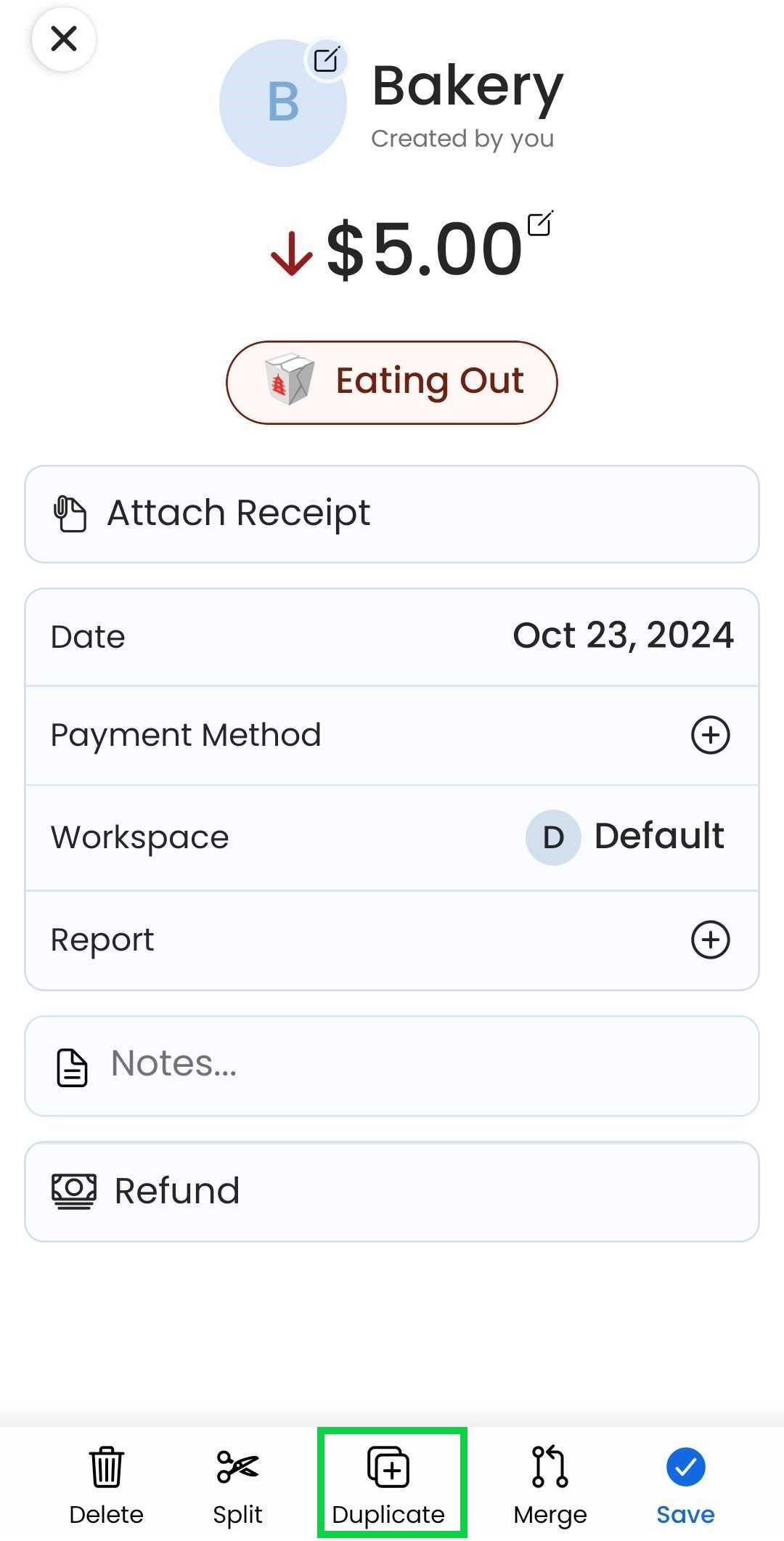
Make any changes to the duplicate if needed
Tap “Save”
Web App
Web App
At the moment, this feature is only available through our Mobile App
Was this helpful?
Still need help? Share an idea