Attach Additional Receipts
Last updated About 1 year ago
To attach a receipt to an existing transaction
Mobile App
Mobile App
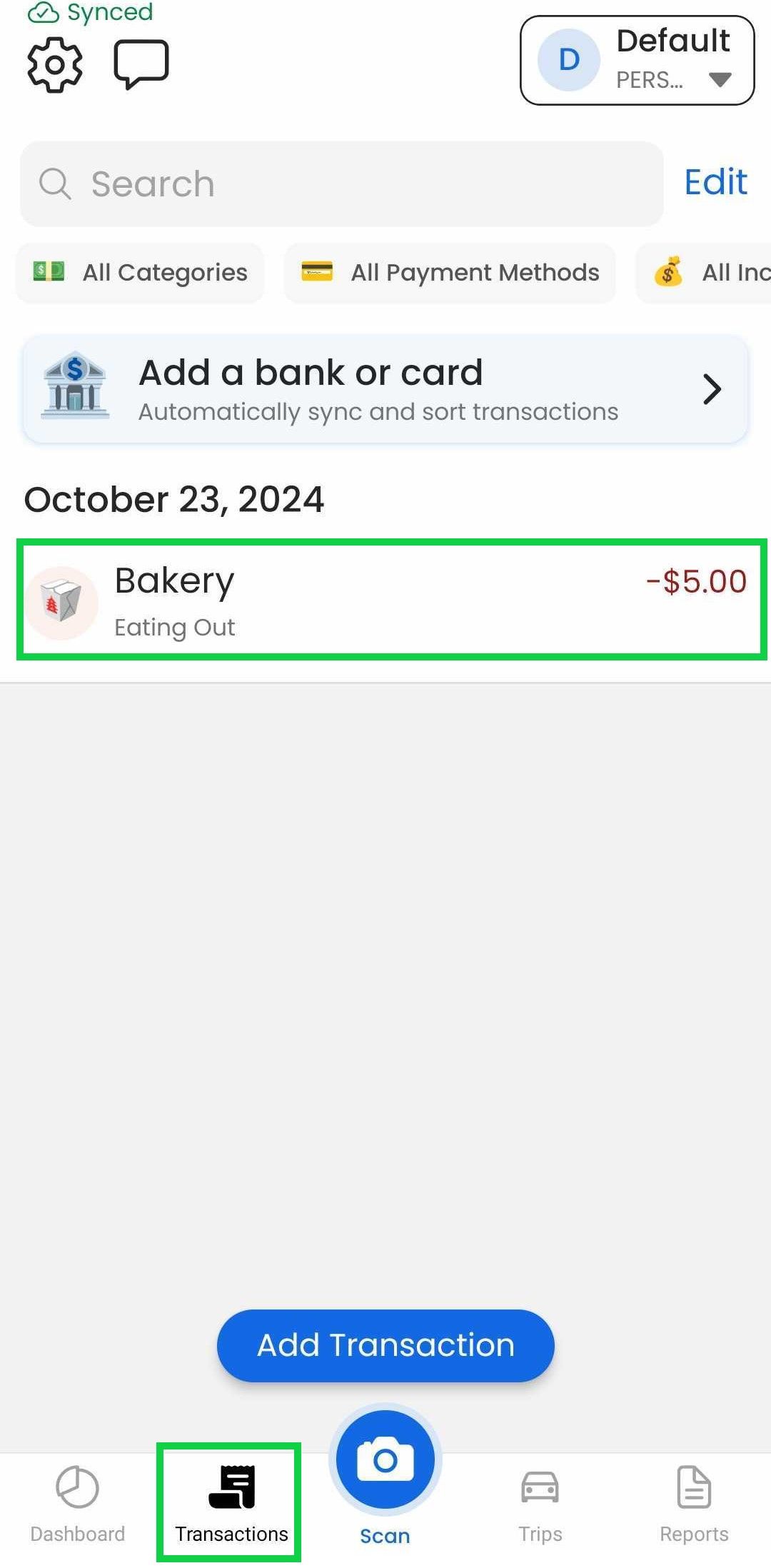
Tap the "Transactions" tab
Tap the desired transaction
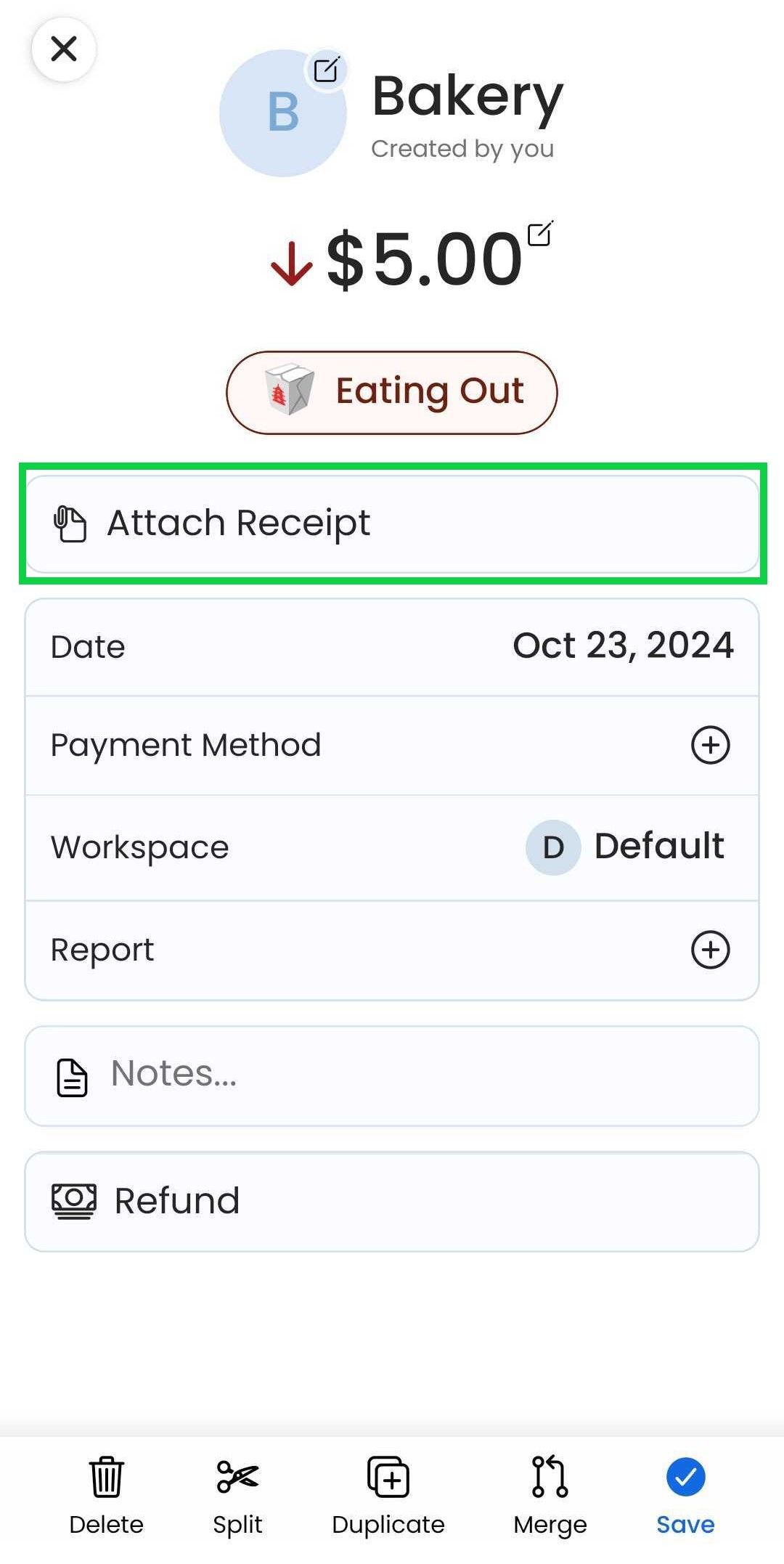
Tap "Attach Receipt" or "Additional Receipt"
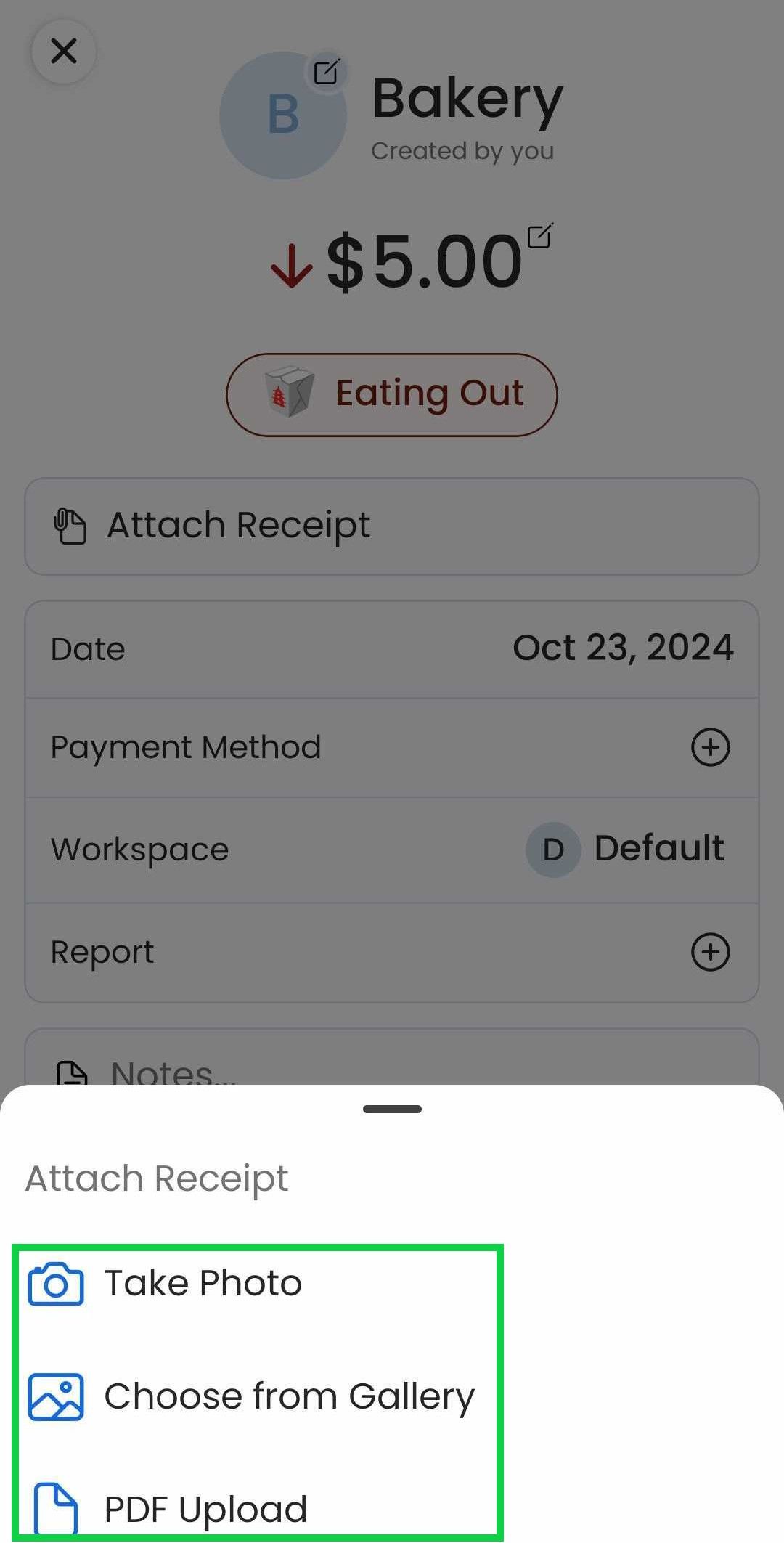
Select the method of attachment
Tap “Save”. Tap "Additional Receipt" to add more files or "Edit" to delete a receipt
Web App
Web App
Open the web app
Click on “Transactions”
Click on the desired transaction
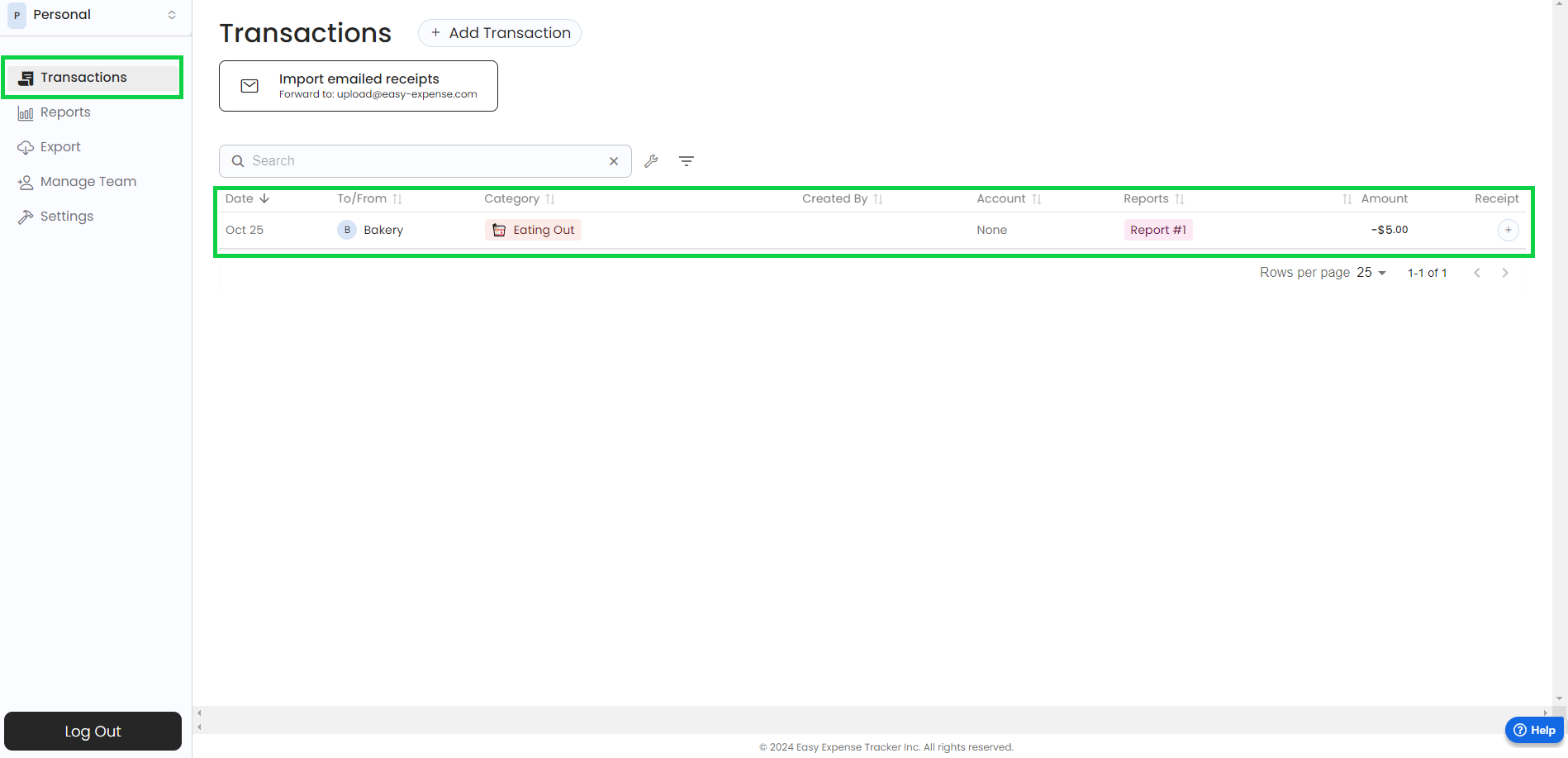
Click on “Add receipt” and upload the receipt
Click on “Save Expense”. Click "Add receipt" to add more files or “X” to delete a receipt
Was this helpful?
Still need help? Share an idea