Workspace Settings
Last updated Over 1 year ago
Workspace settings allow you to customize the app depending on your needs. Each workspace is unique, so they can have their own settings.
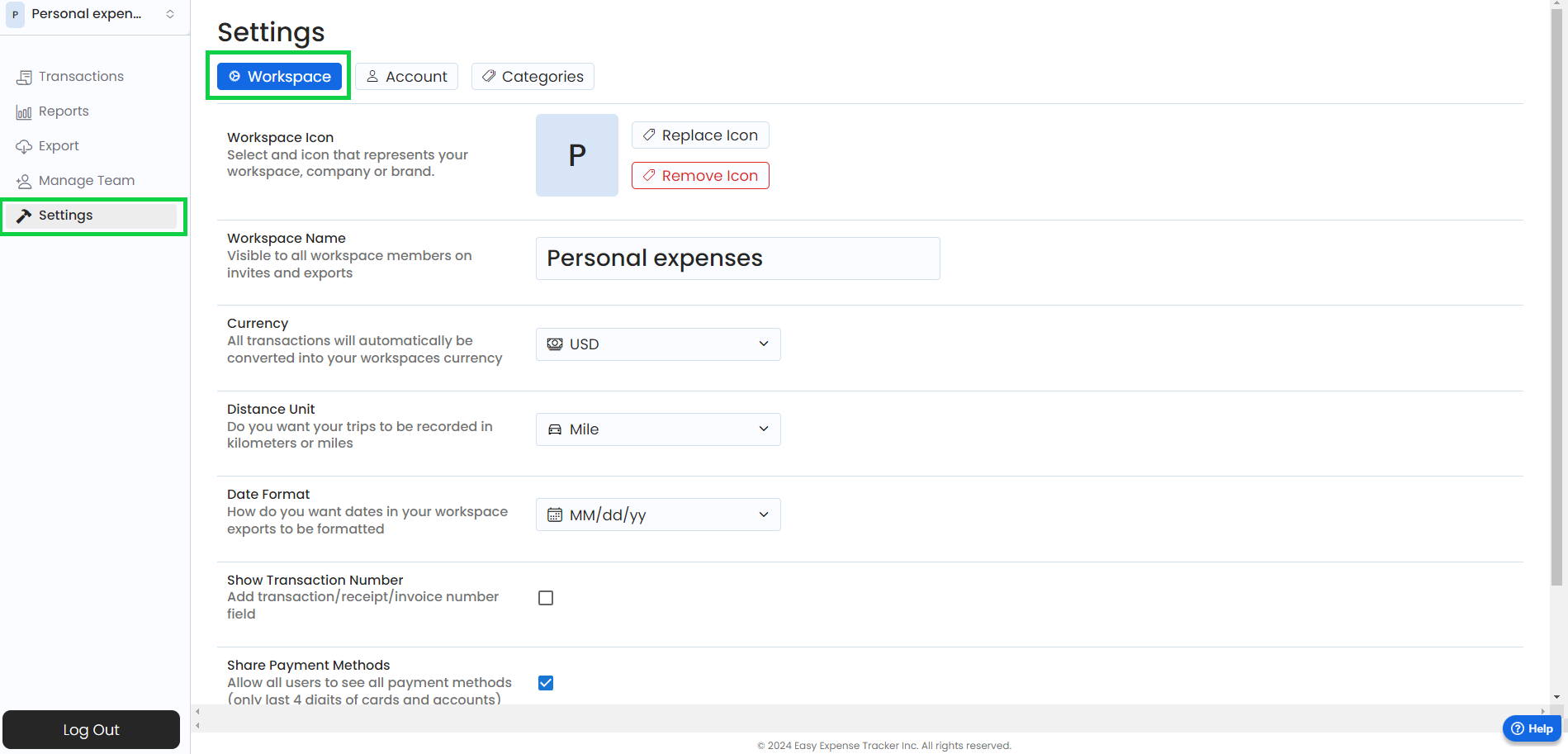
The workspace settings that can be changed:
Workspace name
Currency
Distance Unit (miles or kilometer)
Date Format (only applies to exported CSV reports)
Show Transaction # (adds the "Transaction #" field to transactions)
To change your workspace settings
Mobile App
Mobile App
Tap the gear icon (top-left)
Tap "Workspace Settings"
Tap on the desired field you want to change
Tap the "<" button to exit the workspace settings
Web App
Web App
Open the web app
Click on “Settings”
Click on “Workspace”
Click the desired field you want to change
Was this helpful?
Still need help? Share an idea