Joining a Workspace
Last updated About 1 year ago
Once your email is invited to a workspace, an account will be created for you, and you’ll be automatically added to it. Check your inbox (or spam/junk folder) for the invitation email, which contains a link to set your password.
If you do not receive an email, request a password reset link at https://app.easy-expense.com/login (Input your email → Click “Forgot your password? Reset”)
If you’re already logged in, we recommend opening an incognito window to request a password.
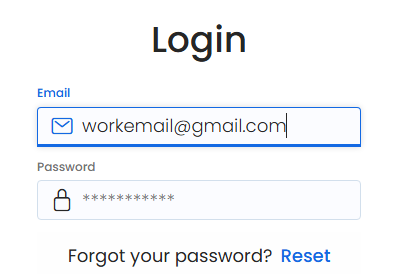
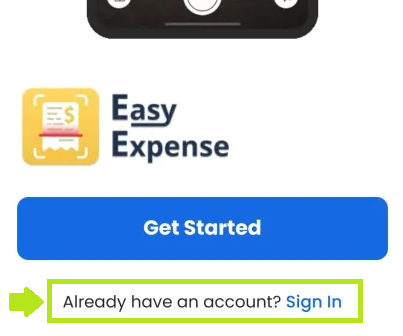
Afterward, you can download the app using the links below. Open the app, tap “Sign In” and log in with your email and password.
iOS (Apple): https://apps.apple.com/us/app/receipt-scanner-easy-expense/id1528787066
Android (Google Play): https://play.google.com/store/apps/details?id=com.easyexpense
Was this helpful?
Still need help? Share an idea